Exploring The Making of "YHAAI"
Share this article
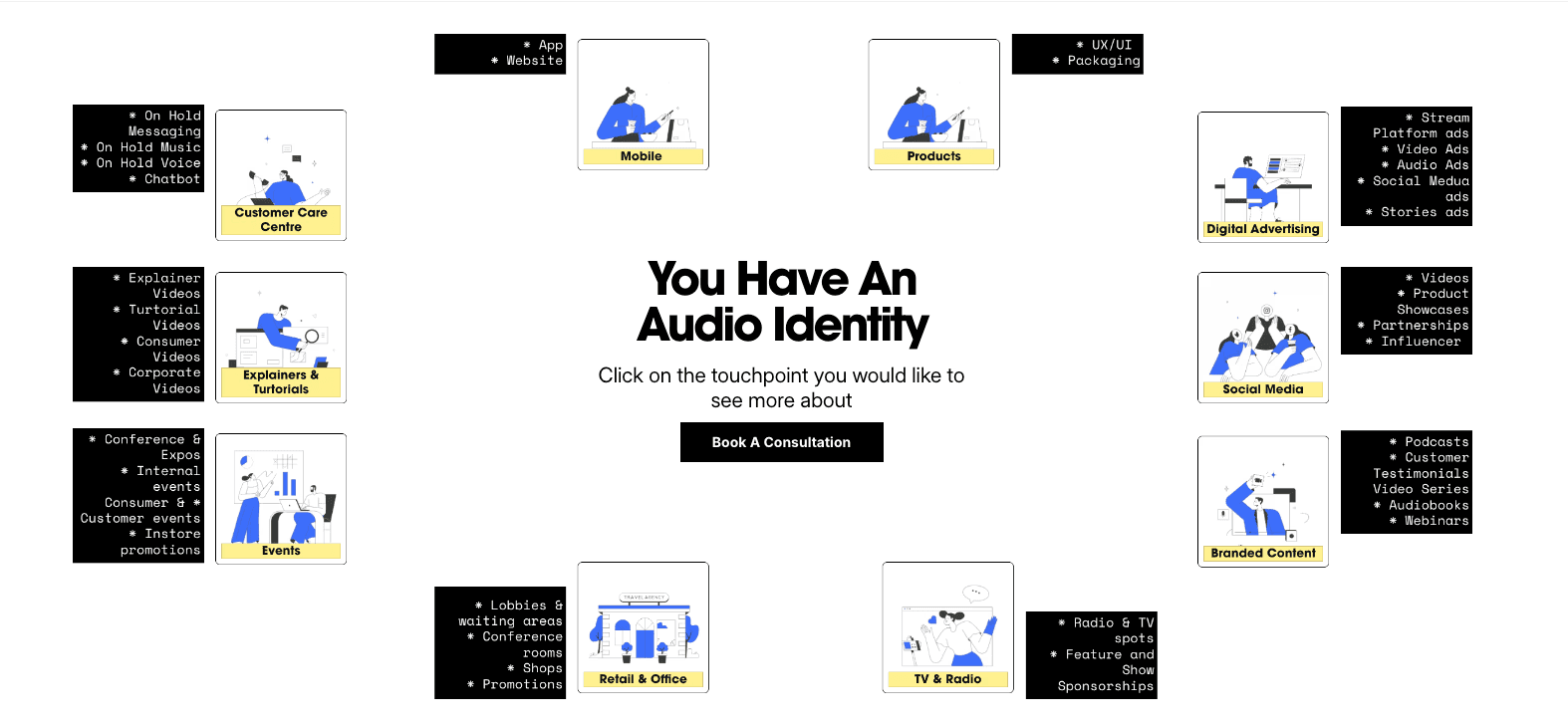
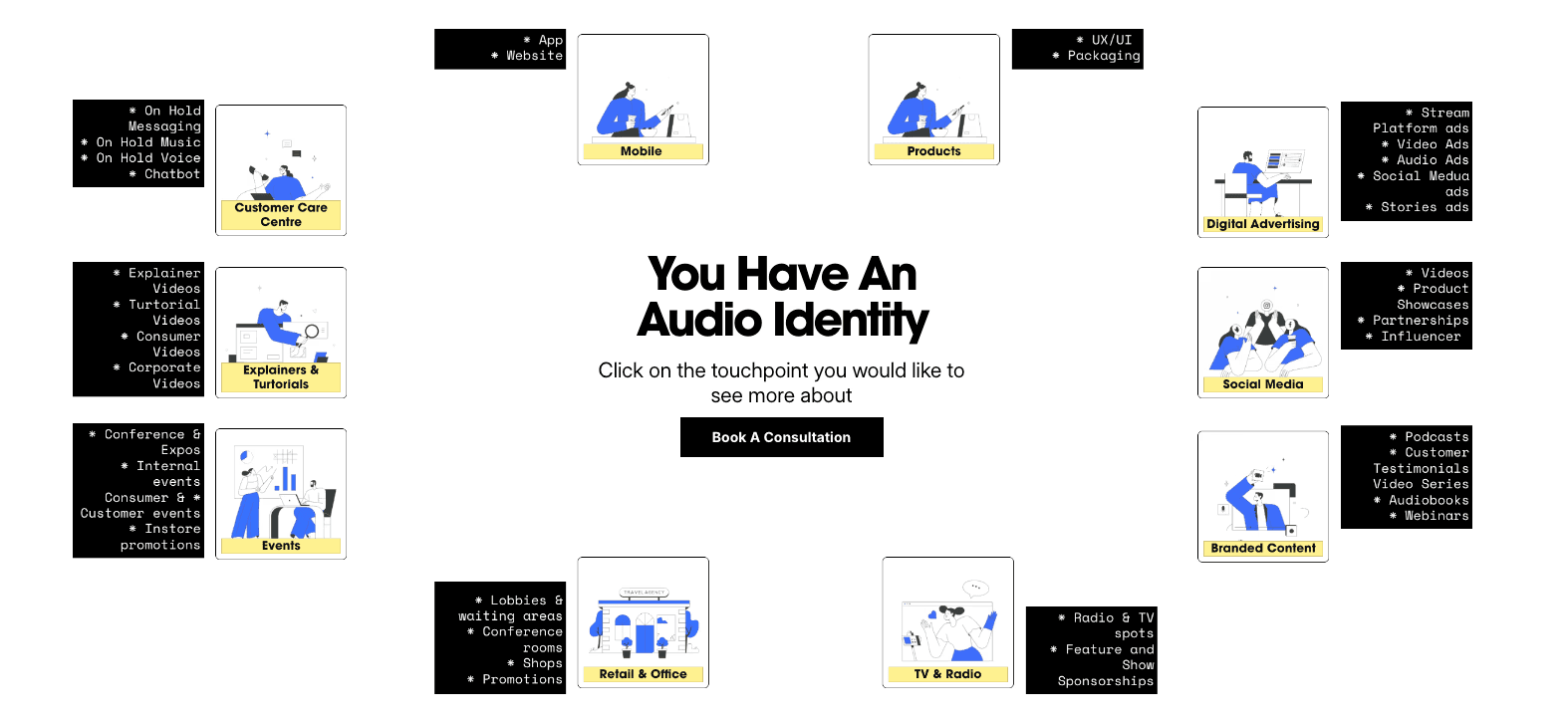
We took a tast to create YHAAI . This one started as a simple question:
How do we show that every organisation — every brand — has an audio identity?
We wanted it clear, playful, and experiential. Not a lecture. Not a case study. Just a tool that shows how audio lives across touch points.
Hover to reveal: first experiment
The initial idea was simple:
Hover over the tool → all touch points of the organisation appear visually.
Click a touch point → text explains how that point uses audio.
But the hover alone felt empty.
We tried adding audio that layered multiple sounds together, some sequential, some overlapping.
The goal:
Make it feel like a living network of sound
Let people get it intuitively: if the sounds aren’t connected, it’s chaos; if they are, it feels like “oh yeah — this is where I normally hear audio.”
At first, the sounds played continuously while expanding.
It was… loud. Annoying. Distracting.
So we tried:
Only play audio while expanding, then fade out in 2–3 seconds.
It gave a clear first impression and stopped being annoying.
The challenge was creatively designing having all these touchpoints play together on the expansion without disturbing the user , showing they can be disturbing when they are disconnected but without having the user switch off….That took some time in studio…
Proximity control: next evolution
But we realized fading out completely killed the experience.
The insight: people need to feel audio at touch points over time, not just once.
So we explored a proximity control system:
After the initial expansion, the audio is filtered and lowered.
As the user moves the mouse toward a touch point, the audio for that point becomes louder and clearer, while other touch points remain subtly present.
It’s like an acoustic spotlight — the user controls the focus, but the network remains alive.
This way, the experience:
Demonstrates the brand’s audio identity in a multi-dimensional way
Lets people explore without overwhelming them
Highlights both the interaction design and the sound design choices — layering, filtering, and spatial audio
Sound design decisions
Layering: multiple touch points play together but with different intensity and timing to suggest relationships.
Filtering: low-pass/high-pass and volume adjustments help focus attention without cutting off context.
Fade timing: initial expansion is 2–3 seconds; then sound gently recedes to create a dynamic canvas.
Proximity mapping: mouse position controls relative volume, giving the user tactile control of the audio landscape.
Every tweak was a balance: clarity vs. playfulness, surprise vs. fatigue.
WHATS NEXT?
Exploring if we can implement an AI reading tool that can read the text instead of the long read.